Video is essential for capturing attention online, but creating it has always been slow, expensive, and technically complex. AI video generators have completely changed this, empowering anyone to produce professional video content from simple text prompts or still images in minutes. This shift is a massive opportunity for real estate professionals and marketers.
For real estate agents, these tools can turn a gallery of listing photos into a dynamic video tour that gets more views and inquiries. For photographers, they open up a new, high-demand service offering without the steep learning curve of traditional video editing. If you're looking to create engaging social media ads, property walkthroughs, or agent bios, the best AI video generators can dramatically reduce your time and costs while boosting your marketing impact.
This guide cuts through the noise to help you find the perfect platform for your specific goals. We've analyzed the top 12 tools, focusing on features that matter most for property marketing. You will find a clear breakdown for each option, including:
- Key Features & Pricing: A quick look at what each platform offers.
- Pros & Cons: An honest assessment of strengths and limitations.
- Best For: Clear recommendations for specific use cases, like turning photos into listing videos.
We provide a straightforward, comparative look at the landscape, including screenshots and direct links to each platform. Our goal is to equip you with the information you need to choose the right tool and start creating compelling property videos today, saving you valuable time and driving better results for your business.
1. AgentPulse
AgentPulse is a powerful and highly specialized tool that stands out among the best AI video generators by focusing exclusively on the real estate market. It leverages a sophisticated 3D-aware AI engine to transform standard listing photos into dynamic, cinematic video tours. This technology analyzes each image to reconstruct the room's geometry, identifying walls, windows, and focal points to automatically generate smooth camera movements like parallax pans and dolly-ins. The result is a professional-grade video that feels like it was filmed on-site, not generated from static images.
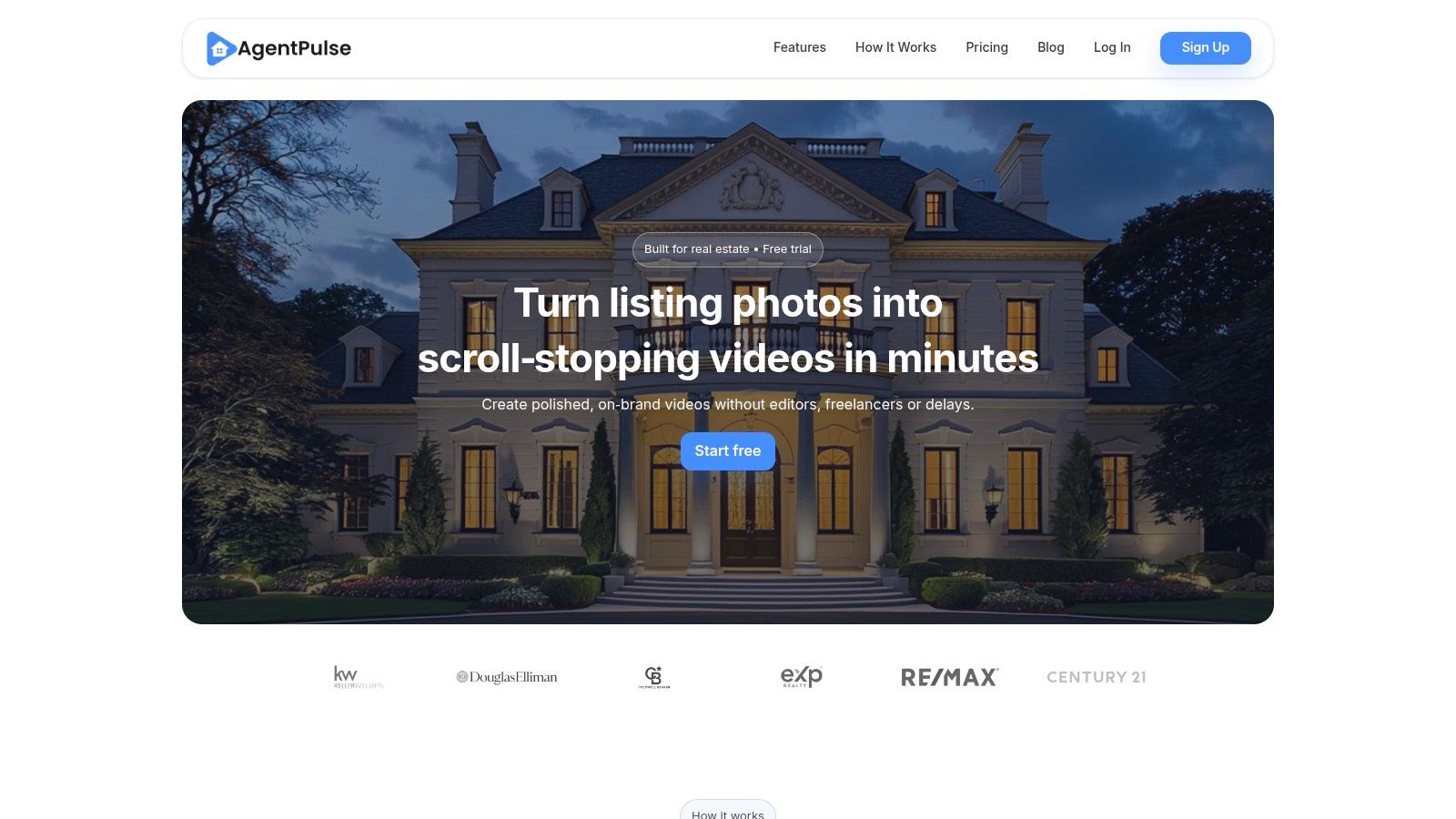
This platform is engineered for speed and efficiency, delivering polished videos in just 2 to 5 minutes. This rapid turnaround allows real estate professionals, photographers, and property managers to scale their video marketing efforts without the high costs of videographers or the steep learning curve of complex editing software. It’s an ideal solution for creating engaging, on-brand content for social media, MLS listings, and ad campaigns. Find a detailed guide on creating a real estate video with AgentPulse here.
Key Features & Use Cases
- 3D-Aware Motion: The AI automatically plans realistic camera paths, adding depth and motion to still photos for a professional, high-end feel.
- Multi-Format Export: Projects can be rendered in portrait (9:16), square (1:1), and landscape (16:9) formats, ensuring optimal presentation on platforms like Instagram, Facebook, and YouTube.
- Royalty-Free Music: Each video includes a pre-cleared, royalty-free soundtrack, eliminating concerns about copyright issues for commercial use.
- Use Case: A real estate agent can upload 15-20 high-resolution photos from a new listing and receive a social-media-ready video tour within minutes, ready to be posted to drive immediate interest.
- Use Case: A real estate photographer can add a "Basic Video Tour" as a valuable, low-effort upsell to their standard photography packages, increasing revenue per client.
Pricing Structure
| Plan | Price | Key Features |
|---|---|---|
| Free | $0/month | 5 credits/month, 5 images/video, 720p watermarked exports |
| Standard | $49/month | 40 credits/month, 25 images/video, 1080p watermark-free exports |
| Advanced | $99/month | 100 credits/month, priority support, purchase extra credits |
Pros & Cons
Pros:
- Speed and Automation: Renders cinematic videos in 2 to 5 minutes, a fraction of the time required for manual editing.
- Cost-Effective: Drastically reduces the cost of video production by eliminating the need for on-site videography.
- Purpose-Built for Real Estate: Features are tailored specifically for property marketing, ensuring relevant and effective output.
- Scalable: Enables users to create a consistent volume of high-quality video content without hiring additional staff.
Cons:
- Limited Free Plan: The free tier's watermarks and low resolution make it unsuitable for professional client work.
- Lacks Social Proof: The website does not currently feature customer testimonials or third-party reviews to validate its claims.
Website: https://www.agentpulse.ai
2. AgentPulse
AgentPulse is a specialized tool laser-focused on one thing: creating professional real estate listing videos from still photos. Instead of being a general-purpose tool, it stands out as one of the best AI video generators for agents, photographers, and property managers because its entire workflow is purpose-built for property marketing. You simply upload your listing photos or paste a Zillow/Redfin link, and its AI reconstructs the spaces in 3D to generate smooth, cinematic camera movements.
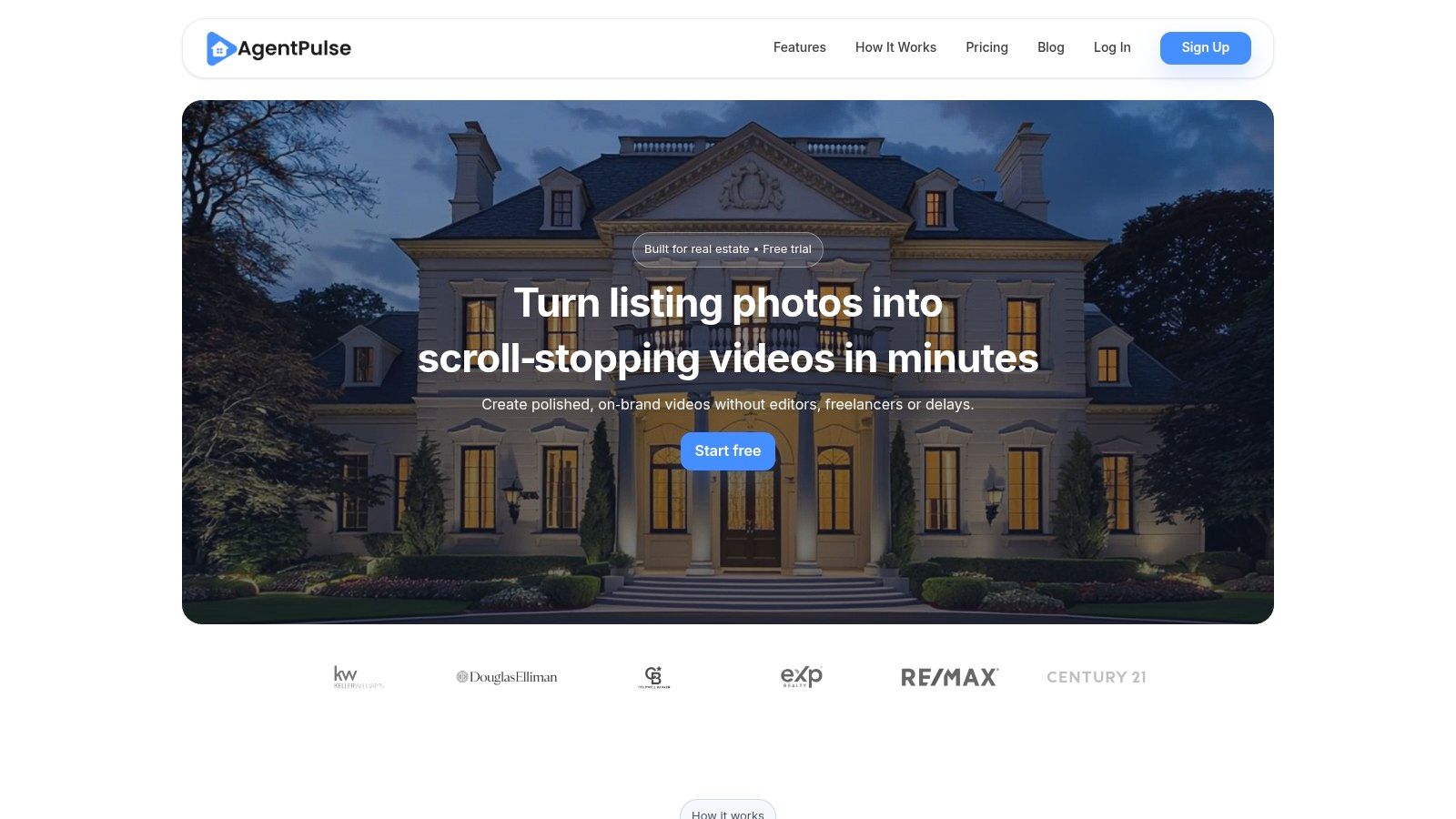
This "3D-aware motion planning" is its key differentiator, producing dynamic parallax, dolly, and reveal shots that mimic a professional videographer walking through the home. This completely eliminates the need for expensive on-site video shoots or hiring a video editor.
Key Features and Workflow
The platform simplifies video creation down to a few clicks. Its AI handles the complex parts, allowing you to focus on branding and music selection. Renders are fast, typically taking just 2 to 5 minutes, and you can export in multiple aspect ratios (vertical, square, landscape) for different social media platforms and the MLS.
| Feature | Description |
|---|---|
| 3D Photo Motion | AI analyzes 2D photos to create realistic 3D camera movements. |
| Multi-Aspect Output | Generates vertical, square, and landscape versions simultaneously. |
| Royalty-Free Music | Includes a library of commercially cleared music for marketing use. |
| Branding Kits | Allows users to add their own logo, headshot, and contact information. |
Who Is It Best For?
AgentPulse is ideal for real estate professionals who need a consistent, high-quality, and fast way to market listings with video. It's not a general VFX or movie-making tool; its strength lies in its specialization. The free tier is great for testing but includes a watermark. Paid plans offer unlimited watermark-free HD exports and re-renders, making it a cost-effective solution for producing videos for every single listing.
- Pros: Real estate-specific workflow, fast rendering, no on-site shoot needed.
- Cons: Highly specialized for property videos only, free exports are watermarked.
Website: https://agentpulse.ai
3. Runway
Runway is a pioneering platform at the forefront of generative video, making it one of the best AI video generators for creative professionals. Its core strength lies in its advanced text-to-video and image-to-video models, including Gen-2, which can produce short, cinematic clips from simple prompts. It's a versatile tool for creating everything from abstract visuals and B-roll to conceptual advertisements and animated storyboards.
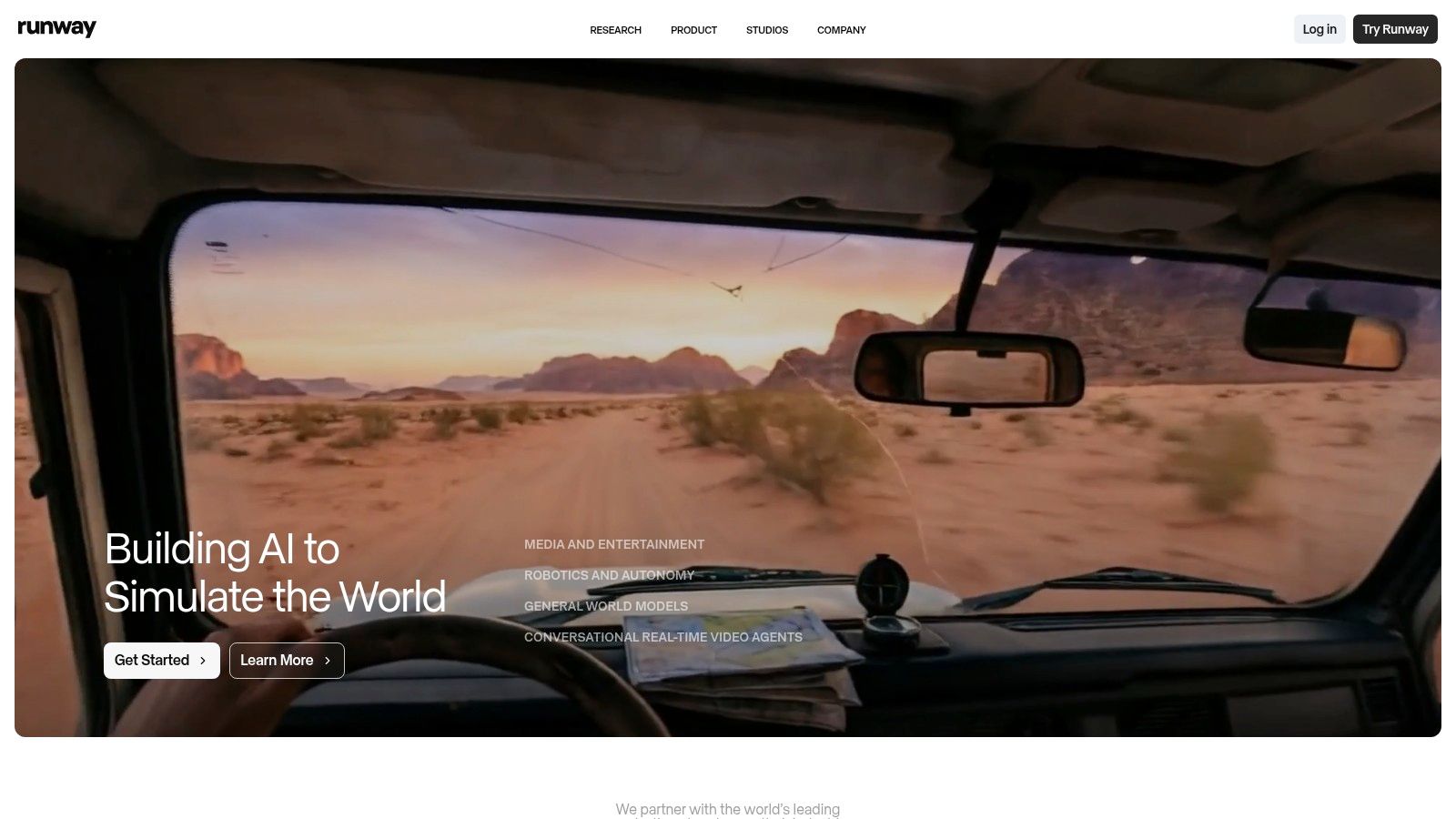
Unlike single-purpose tools, Runway offers a comprehensive suite of AI-powered editing features. This allows users to not only generate footage but also refine it with tools like motion brushes, camera controls, and upscaling, all within the same ecosystem. This makes it an ideal choice for marketers and creators who need maximum creative control over their AI-generated content.
Key Features and Workflow
Runway's platform is built around a credit-based system where users can experiment with various generation modes and editing tools. The workflow encourages iteration, allowing you to generate short clips and then use the editor to combine them, expand scenes, or reframe them for different aspect ratios. The platform's active learning resources, including tutorials and an Academy, help new users quickly get up to speed.
| Feature | Description |
|---|---|
| Gen-2 Model | Generates high-quality 4 to 16-second video clips from text or image prompts. |
| AI Editing Suite | Includes tools for upscaling to 4K, removing objects, and slow-motion effects. |
| Camera Controls | Allows for precise control over virtual camera movements like pan, tilt, and zoom. |
| Infinite Image | Expands images beyond their original borders using generative AI. |
Who Is It Best For?
Runway is best suited for creative professionals, marketers, and filmmakers who want to explore the cutting edge of generative video. It's a powerful tool for ideation, creating unique social media content, or producing conceptual B-roll for larger projects. For real estate professionals, it could be used to generate lifestyle clips of a neighborhood or imaginative visuals for a high-end property campaign. You can explore how it fits into a broader strategy by reviewing the best real estate marketing tools.
- Pros: State-of-the-art generative video quality, extensive suite of AI editing tools, strong community and learning resources.
- Cons: Credit-based pricing can become expensive for heavy users, requires stitching multiple clips together for longer videos.
Website: https://runwayml.com
4. Pika
Pika has rapidly gained popularity as a fast, trend-driven AI video generator perfect for creating short, stylized clips for social media. Instead of focusing on photorealism for long-form content, it excels at generating eye-catching videos from text or image prompts. Its strength lies in speed and artistic flexibility, making it one of the best AI video generators for creators who need to produce engaging, on-trend content quickly.
Pika's key differentiator is its community-driven approach to styles and its rapid iteration capabilities. Users can easily apply popular visual effects or mimic trending aesthetics with simple commands, allowing for a high degree of creative experimentation without a steep learning curve. This makes it ideal for producing short, shareable videos that capture attention on platforms like TikTok, Instagram Reels, and YouTube Shorts.
Key Features and Workflow
The platform operates on a simple prompt-based system. You describe the scene you want, upload an image to animate, or modify an existing video. Its credit-based model encourages users to experiment with different prompts and styles, as generations are fast and relatively inexpensive. The Turbo and Pro generation options provide higher-quality outputs for more polished projects.
| Feature | Description |
|---|---|
| Text-to-Video | Generates video clips directly from descriptive text prompts. |
| Image-to-Video | Animates still images, bringing them to life with motion. |
| Community Styles | Offers a wide range of pre-set effects and visual styles. |
| Credit-Based Model | Allows for flexible and rapid generation of multiple video concepts. |
Who Is It Best For?
Pika is best suited for social media managers, content creators, and marketers who need to produce a high volume of short, visually interesting videos. It's an excellent tool for creating abstract visuals, animated characters, or dynamic promotional clips. It is less suited for creating realistic property walkthroughs or corporate training videos. The free tier offers a good starting point, but paid plans are necessary for removing the watermark and gaining access to faster generation and commercial usage rights.
- Pros: Very quick for producing short social content, strong variety of visual styles.
- Cons: Pricing and usage limits can change, private mode and commercial use vary by tier.
Website: https://pika.art
5. Luma AI (Dream Machine)
Dream Machine by Luma AI is a powerful text-to-video and image-to-video generator focused on creating clips with exceptionally realistic motion and physics. Unlike tools built for simple animations, Dream Machine excels at producing high-fidelity scenes, making it one of the best AI video generators for visualizing concepts, products, or architectural exteriors. It can generate smooth camera pans, character movements, and dynamic action that feel cinematic and physically accurate.
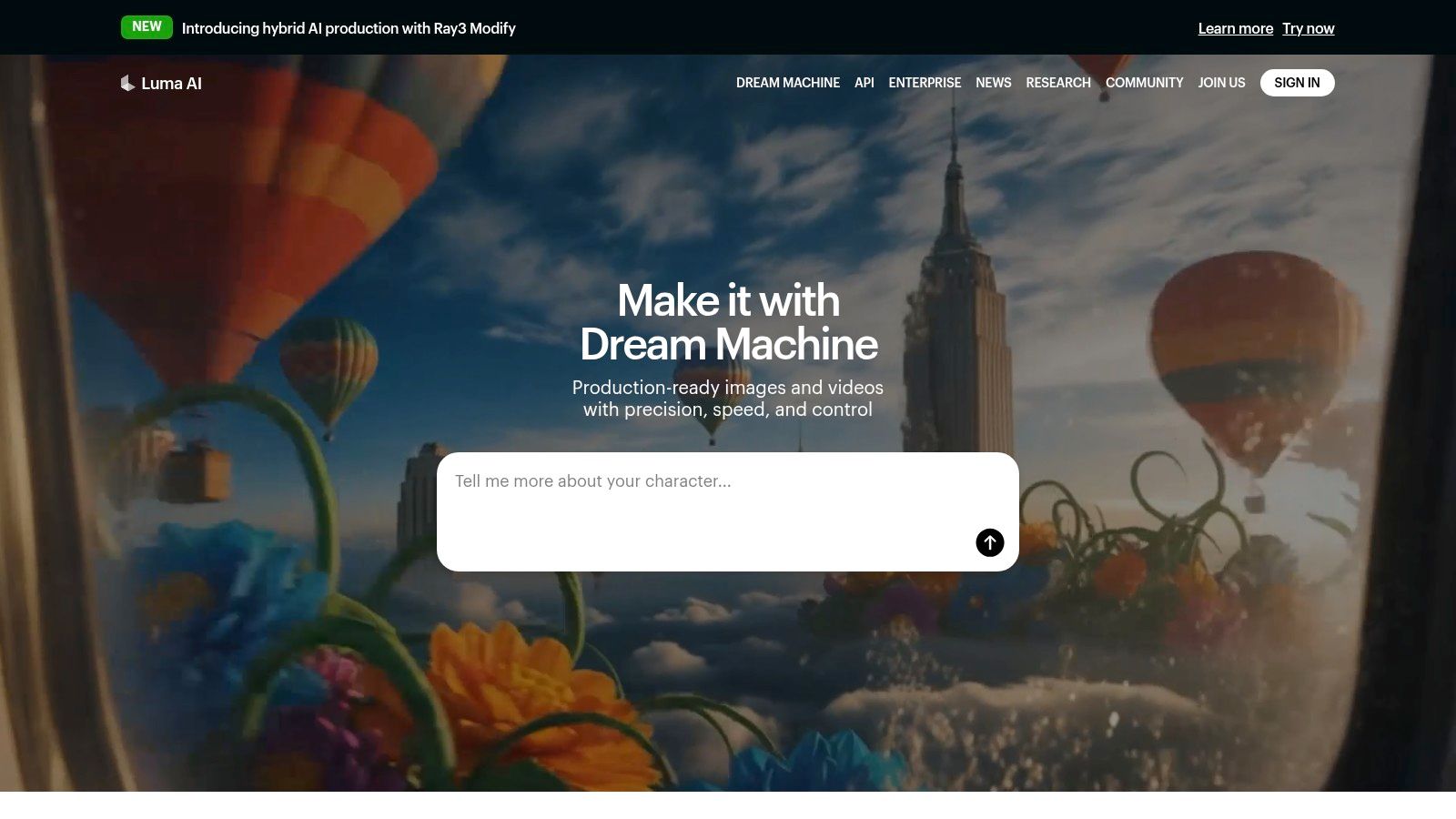
Its key strength lies in how it interprets prompts to create believable motion, which is crucial for real estate marketing. For instance, you could use it to create a short, conceptual video of a modern home at sunset or a fly-through of an unbuilt property. This allows agents to create compelling marketing assets that go beyond static images, and you can learn more about how AI can transform real estate videos.
Key Features and Workflow
The platform uses a credit-based system where generations are priced based on the model and resolution. Users can choose between faster draft models and higher-quality production models, with options to upscale final videos to 4K resolution on paid plans. The workflow is prompt-driven, giving you creative control over the scene, camera movement, and overall style.
| Feature | Description |
|---|---|
| High-Fidelity Motion | AI specializes in generating realistic physics and smooth camera movements. |
| Multiple Ray Models | Offers different models (e.g., Ray3 Draft, Ray3) for speed vs. quality. |
| 4K Upscaling | Paid plans include the ability to upscale video generations to 4K. |
| Commercial Use | Plus and Pro tiers provide commercial rights and remove watermarks. |
Who Is It Best For?
Luma AI is best for creative professionals and marketers who need to produce short, high-quality, conceptual video clips from scratch. It is excellent for architectural visualization, social media teasers, or creating unique b-roll content. While its short clip duration (around 10 seconds) makes it unsuitable for full property tours, it's a fantastic tool for generating attention-grabbing intro or outro scenes for a larger video project.
- Pros: High motion realism and physics, clear commercial rights on paid plans.
- Cons: Short clip durations, free/lower tiers have limits and credit-based costs.
Website: https://lumalabs.ai
6. Synthesia
Synthesia is an enterprise-grade AI video generator designed for creating professional training, onboarding, and explainer videos featuring realistic AI avatars. Its main strength lies in producing polished, presenter-led content without needing cameras, microphones, or actors. This makes it an excellent choice for corporate communication, especially for teams that need to create consistent, branded videos at scale, including localized versions for different markets.
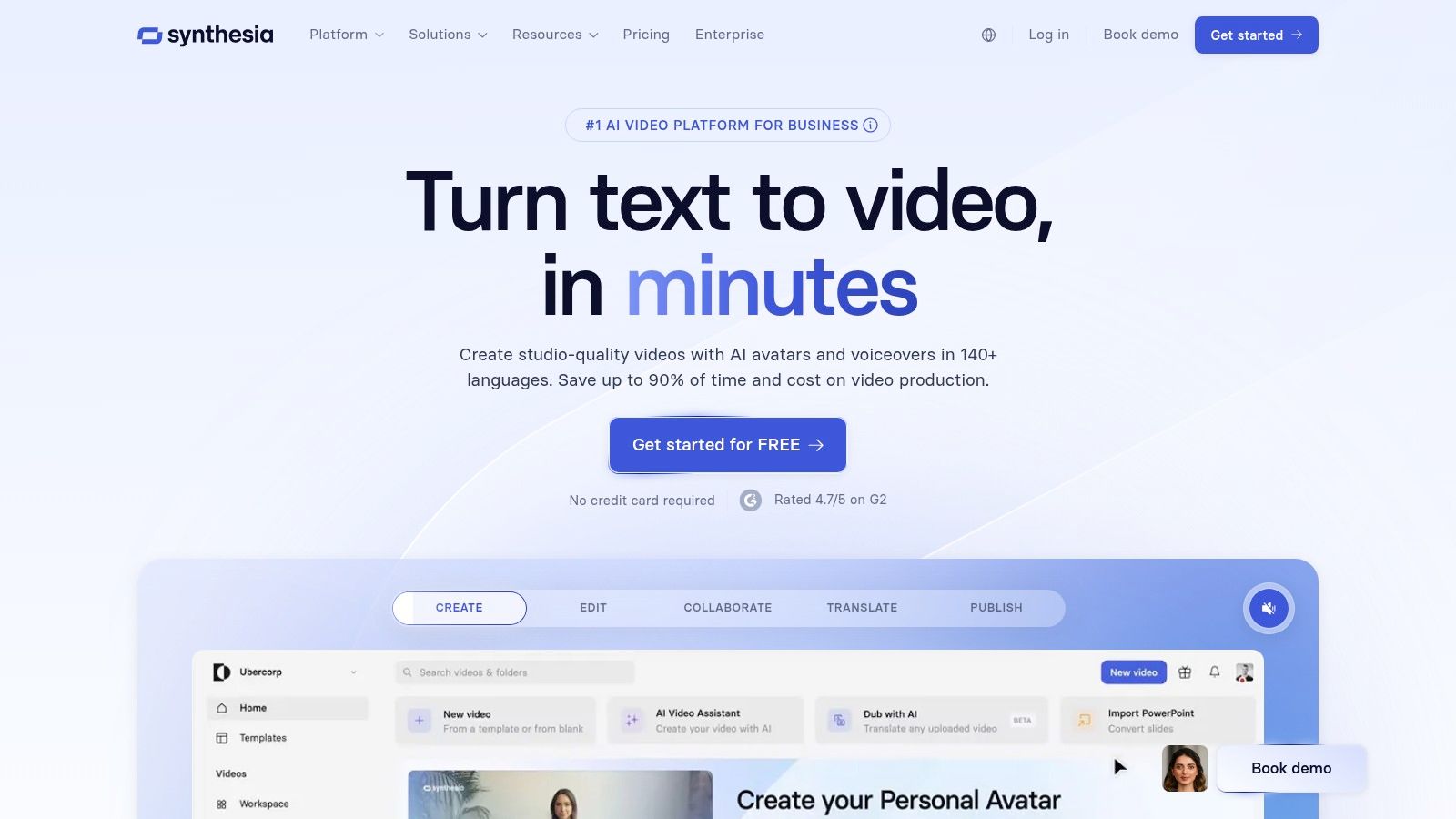
Unlike tools focused on cinematic B-roll or creative effects, Synthesia’s core value is its high-quality avatars and multi-language dubbing capabilities. This allows a real estate brokerage, for example, to create a single training video for new agents and then instantly dub it into multiple languages to serve a diverse team, ensuring a uniform message is delivered across all regions.
Key Features and Workflow
The platform operates on a credits-based system where users can generate video minutes, create custom avatars, and use premium features. Its workflow is straightforward: choose an avatar, type or paste your script, select a background or template, and generate the video. The centralized brand controls are a key feature for larger organizations needing to maintain asset consistency.
| Feature | Description |
|---|---|
| 100+ AI Avatars | A large library of stock avatars and templated scenes. |
| Multi-Language Dubbing | Supports text-to-speech and video localization in numerous languages. |
| Centralized Brand Controls | Allows teams to manage brand assets like logos, fonts, and colors. |
| Credits-Based Usage | A flexible system where credits are used across different platform features. |
Who Is It Best For?
Synthesia is best suited for large teams and enterprises that require a scalable solution for corporate video production, such as HR training or internal communications. For real estate, it could be used to create standardized agent onboarding modules or market update videos. It is less ideal for creating dynamic property tours or marketing videos that rely heavily on visual storytelling and cinematic footage of a home.
- Pros: Corporate-ready with strong compliance, widely adopted by large enterprises, excellent for localization.
- Cons: Avatar-first approach is less focused on cinematic b-roll, credit system requires planning for recurring usage.
Website: https://www.synthesia.io
7. HeyGen
HeyGen is a powerful AI video generator that excels at creating presenter-led videos using digital avatars. Instead of complex editing, it allows you to produce polished marketing, training, or explainer videos simply by typing a script. Its strength lies in scalability and localization, making it easy to create consistent content with a human touch for diverse audiences without ever needing a camera.
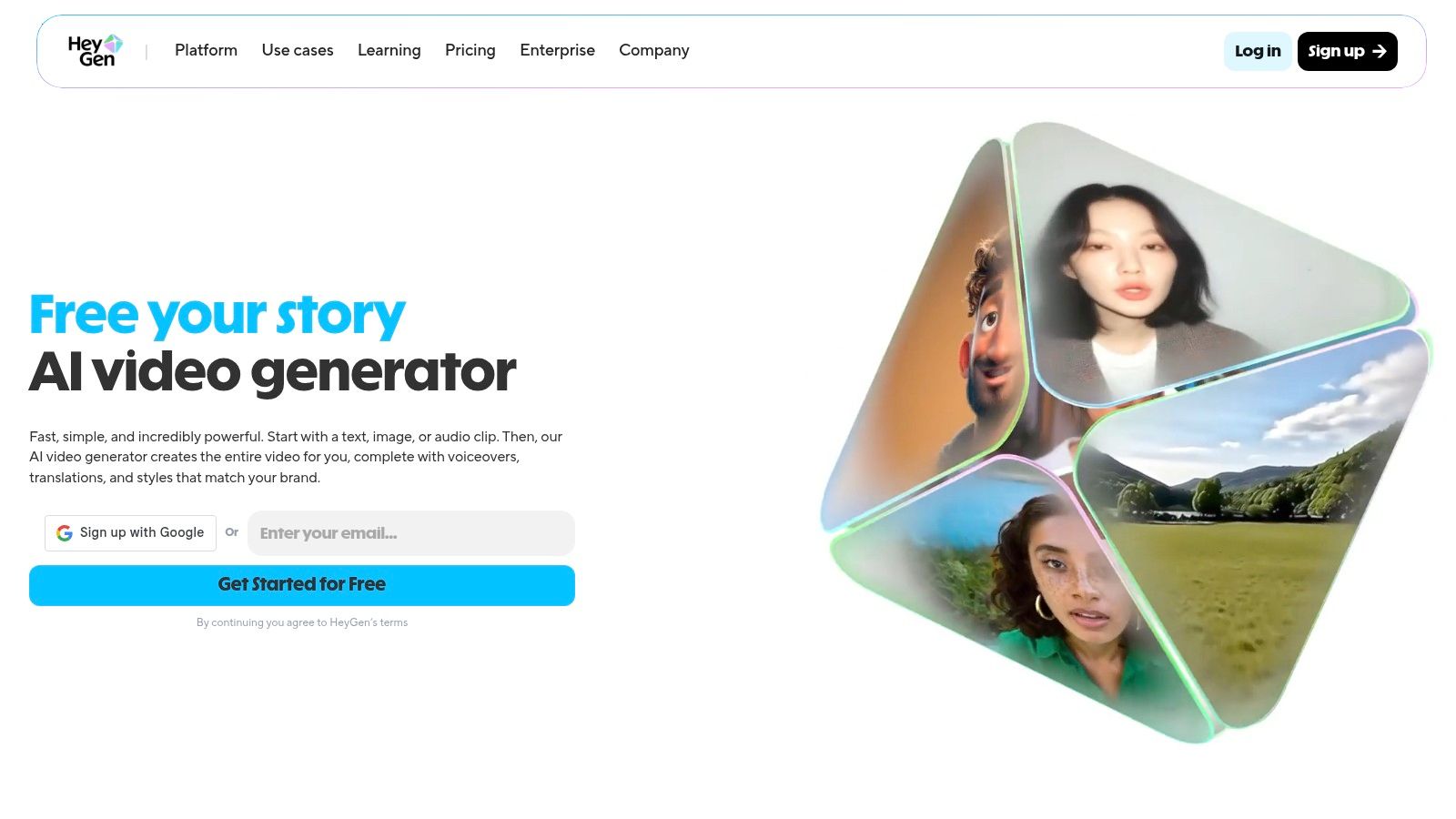
The platform’s core feature is its library of over 500 stock avatars and the ability to create a custom avatar of yourself. This is ideal for real estate agents who want to create market updates or property introductions that feature their own likeness, ensuring brand consistency across all communications. The AI handles the voiceover and lip-syncing perfectly, saving immense time and effort.
Key Features and Workflow
Creating a video in HeyGen is straightforward. You select an avatar, type or upload your script, choose a voice, and the AI generates the final video. This script-to-video workflow is highly efficient for producing content at scale, especially for teams. The platform also offers collaborative workspaces for easy review and management.
| Feature | Description |
|---|---|
| Custom & Stock Avatars | Use from a library of 500+ avatars or create a digital twin of yourself. |
| Multi-Language Support | Generates video in over 30 languages with accurate lip-syncing. |
| Script-to-Video | Transforms text scripts into polished, avatar-narrated videos instantly. |
| Team Collaboration | Provides shared workspaces and seat-based plans for team projects. |
Who Is It Best For?
HeyGen is best for real estate professionals and marketing teams who need to produce a high volume of presenter-style videos, such as agent introductions, market analysis, or educational content for clients. It’s an excellent tool for localizing content for different language-speaking communities. While it's less focused on cinematic property tours, it stands out as one of the best AI video generators for scalable, personalized communication. The free trial is generous but includes a watermark.
- Pros: Easy to use for presenter videos, excellent for multilingual content, custom avatar creation.
- Cons: Less suited for cinematic scene generation, free videos are watermarked.
Website: https://www.heygen.com
8. Descript
Descript takes a unique approach, positioning itself not just as a generator but as an AI-powered editing suite perfect for assembling and polishing AI-generated content. Its core innovation is text-based video editing, where you edit the video by simply editing its transcribed text. This makes it an invaluable tool for refining clips created in other AI video generators, adding voiceovers, and preparing content for final distribution.
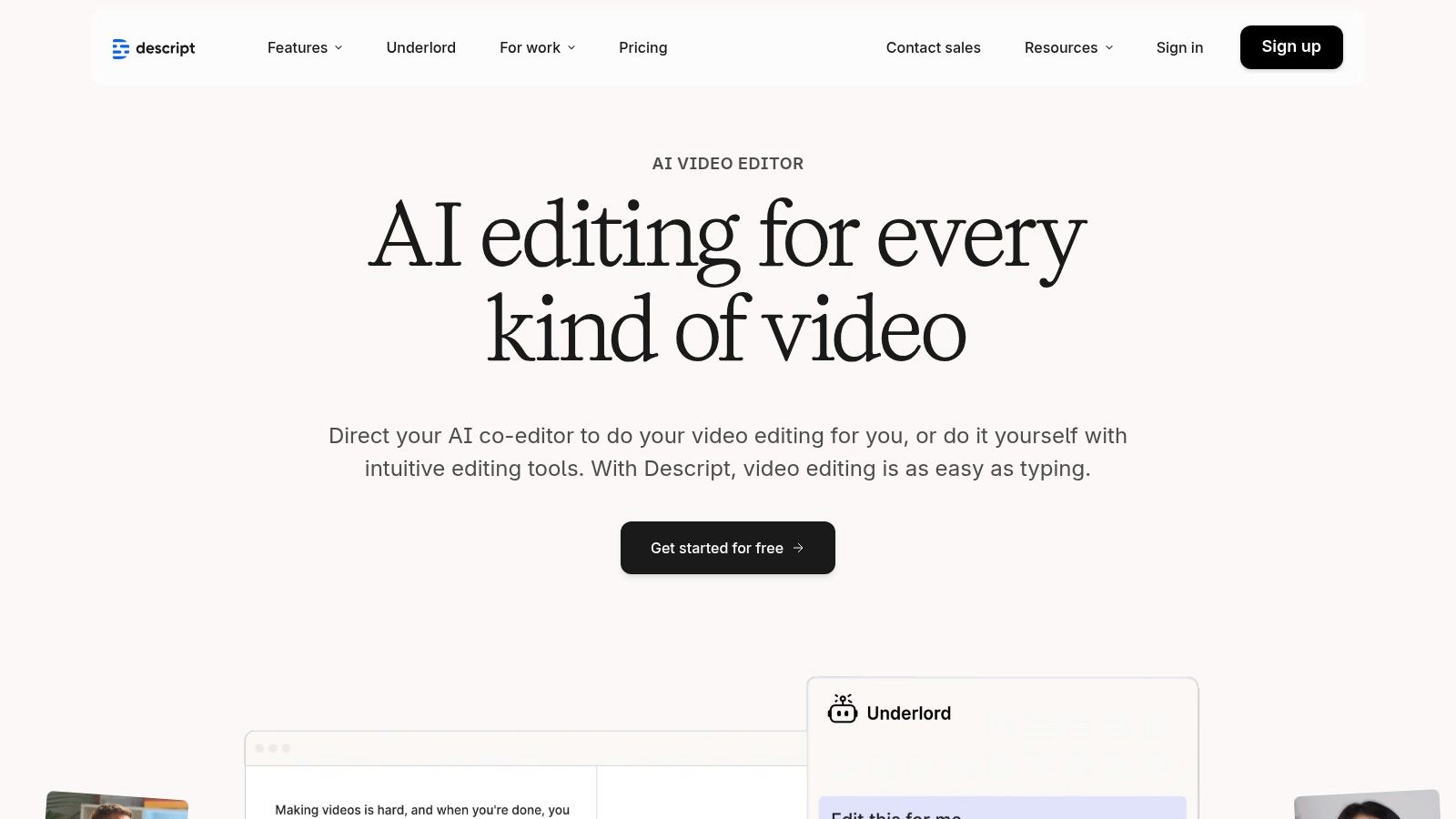
While it includes generative AI features, its primary strength lies in its post-production capabilities. For real estate professionals, this means you can take raw video clips or AI-generated scenes and easily add a professional voiceover, clean up the audio with one click, and edit the final video as easily as editing a Word document.
Key Features and Workflow
Descript's workflow is built around its transcript. It automatically transcribes your video, and any word you delete from the text is instantly removed from the video timeline. This intuitive process dramatically speeds up editing, especially for narrative-driven property tours or agent introductions.
| Feature | Description |
|---|---|
| Text-Based Editing | Edit video by editing the auto-generated text transcript. |
| Studio Sound | One-click AI tool to remove background noise and enhance voice quality. |
| AI Dubbing | Translate and replace your voice into multiple languages with AI. |
| Filler Word Removal | Automatically detects and removes words like "um" and "uh." |
Who Is It Best For?
Descript is best for agents and marketers who want to combine AI-generated clips with their own footage or voiceovers to create a polished final product. It excels at tasks like adding narration to a property video or cleaning up an interview with a client. While it has generative tools, it shines brightest as the final step in the AI video creation process, making it one of the best AI video generators for editing and localization.
- Pros: Excellent for polishing and localizing AI-generated content, strong collaboration and transcription features.
- Cons: Not positioned as a primary content generator, quotas are split between media minutes and AI credits.
Website: https://www.descript.com
9. InVideo (invideo AI)
InVideo AI is a powerful text-to-video platform designed for creating marketing and social media content quickly. It excels at transforming simple text prompts into fully produced videos complete with voiceovers, stock footage, and background music. Instead of starting from scratch, users can leverage a massive library of templates, making it one of the best AI video generators for creating ads, social posts, and explainer videos with minimal effort.
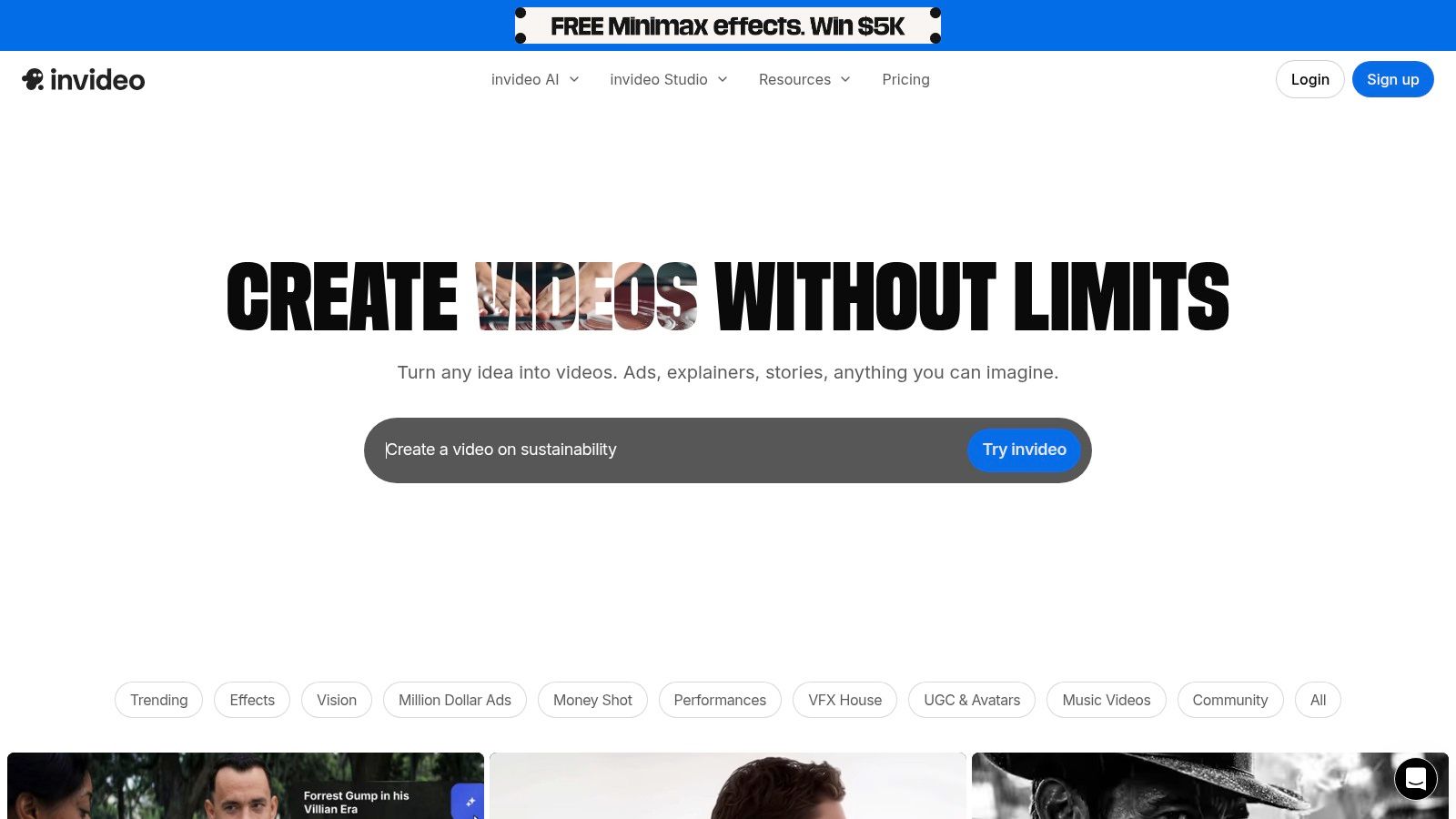
The platform stands out by integrating multiple generative video models and an extensive library of stock assets. This allows it to assemble polished, short-form content that looks professional without requiring advanced editing skills. Its workflow is ideal for real estate agents needing to create quick market updates, property tour teasers, or promotional ads for social media platforms.
Key Features and Workflow
InVideo’s workflow is built around its AI script generator and template-driven editor. You can provide a topic, and the AI will generate a script, find matching visuals from its stock library, add a human-like voiceover, and sync it all together. The user interface is intuitive, allowing for easy customization of text, colors, and branding elements.
| Feature | Description |
|---|---|
| Large Template Library | Offers thousands of pre-made templates for various use cases and social platforms. |
| Text-to-Video AI | Automatically generates scenes, voiceovers, and subtitles from a text script. |
| Integrated Stock Assets | Provides access to a huge library of stock photos, videos, and music. |
| AI Voice Cloning | Allows users to create a digital replica of their own voice for custom narrations. |
Who Is It Best For?
InVideo is best for marketers and agents who need to produce a high volume of short-form video content for social media and advertising. Its team plans also make it suitable for brokerages and marketing agencies looking for a collaborative video creation tool. While the platform is versatile, its credit-based plans can be complex, and access to premium generative models may depend on promotions.
- Pros: Straightforward template-based workflow, ideal for social-first formats, team plans available.
- Cons: Plan quotas can be confusing to navigate, access to some models may be promotion-dependent.
Website: https://invideo.io
10. VEED
VEED is a versatile, browser-based video editor that integrates a powerful suite of AI tools, making it one of the best AI video generators for teams needing an all-in-one solution for social media content. It combines traditional editing with AI-driven features like text-to-video, AI avatars, and automatic translations, designed to streamline the entire creation and publishing process. Its strength lies in its accessibility, allowing users without technical editing skills to produce professional-looking videos quickly.
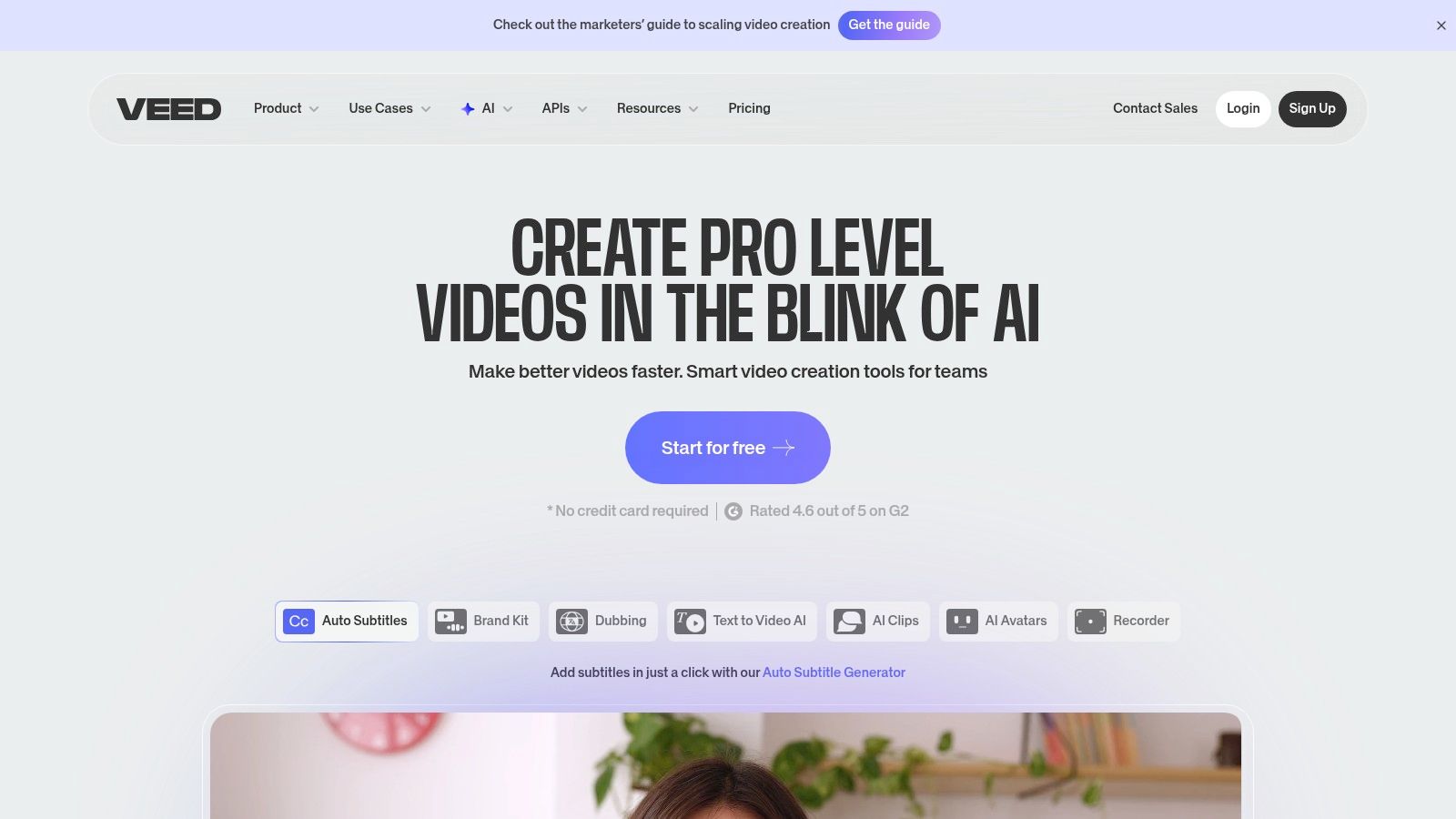
The platform is particularly useful for content repurposing and localization. For example, a real estate agent could create a single market update video and use VEED's AI to automatically generate subtitles, translate them into multiple languages, and even use an AI avatar to present the information, expanding their reach to a wider audience.
Key Features and Workflow
VEED’s user interface is approachable and consolidates many complex tools into one place. The workflow is designed for speed, from generating initial video clips from text prompts to adding final touches like captions and brand assets before publishing directly to social platforms.
| Feature | Description |
|---|---|
| AI Avatars & Voices | Create videos using realistic AI avatars with text-to-speech and voice cloning. |
| Auto-Localization | Automatically generates captions and translates video content into different languages. |
| Full Video Editor | Includes a complete suite of editing tools alongside its AI features. |
| Stock Library & Brand Kit | Access to stock media and tools to maintain brand consistency across videos. |
Who Is It Best For?
VEED is best suited for marketing teams, social media managers, and individual creators who need a fast, comprehensive tool for producing a high volume of content. It is less of a pure generator and more of a complete video workspace with AI enhancements. While powerful, its credit-based system for advanced AI features can be confusing, so it’s wise to start with a trial to understand usage costs before committing to a paid plan.
- Pros: All-in-one editor great for rapid publishing, user-friendly interface.
- Cons: AI credit system can be confusing, some users report issues with support.
Website: https://www.veed.io
11. Kapwing
Kapwing is a powerful cloud-based editor that has evolved into a comprehensive AI video suite, making it a favorite among social media teams and content creators. It excels at quickly turning ideas into videos with its text-to-video and image-to-video generators, alongside robust AI-powered editing tools like auto-subtitling, dubbing, and smart repurposing. Its collaborative workflow makes it one of the best AI video generators for teams needing to iterate on content quickly.
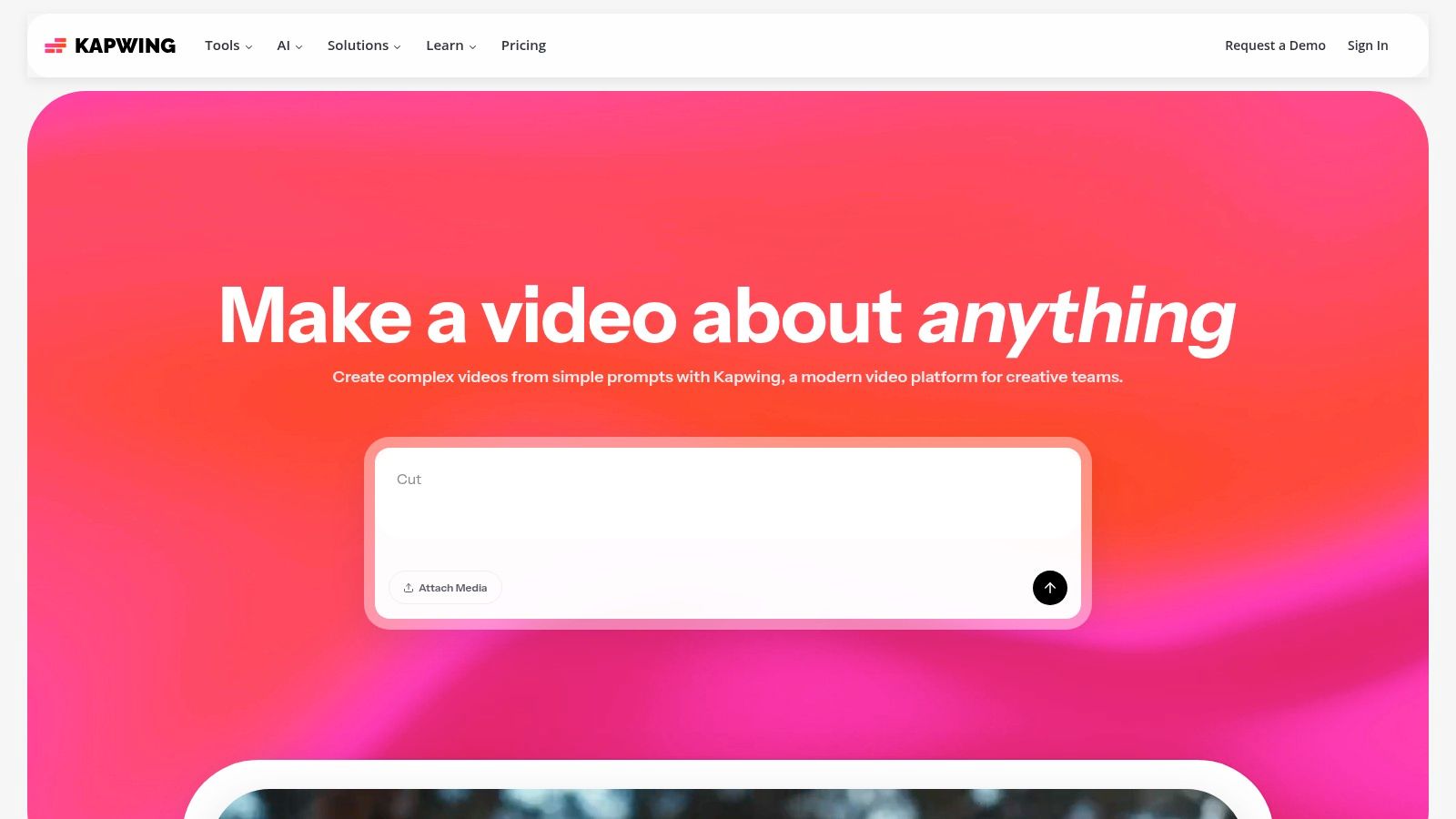
The platform is built for speed and accessibility, integrating multiple AI models to give users varied creative outputs from a single prompt. This versatility allows real estate marketers to generate short, engaging social media clips, property tour teasers, or even longer market update videos without a steep learning curve.
Key Features and Workflow
Kapwing’s intuitive interface combines traditional timeline editing with a suite of AI assistants. The workflow is streamlined for creating social-first content, from generating initial clips to adding final touches like captions and voiceovers. Users manage AI tasks through a credit system, which allows for flexible use of features like generating video clips or translating audio.
| Feature | Description |
|---|---|
| AI Video Generation | Creates video clips (3–12s) or longer projects from text or image prompts. |
| Smart AI Tools | Includes auto-subtitling, AI voiceovers, dubbing, and background removal. |
| Team Collaboration | Features shared workspaces, real-time comments, and brand kits for consistency. |
| Multi-Ratio Export | Easily export projects in vertical, square, and landscape formats up to 4K resolution. |
Who Is It Best For?
Kapwing is ideal for marketing teams and individual agents who need an all-in-one tool for creating and editing social media video content. Its strength lies in its blend of generative AI and practical editing features. The free plan is great for trying out the tools but comes with a watermark and export limitations. Paid plans are necessary for professional use, especially if you rely heavily on the AI features, as you will need to manage your credit usage.
- Pros: Fast learning curve and good team collaboration features, integrates multiple frontier models for varied outputs.
- Cons: Free plan includes watermark and limits, heavy AI use requires credit budgeting.
Website: https://www.kapwing.com
12. Canva (Magic Media: Text-to-Video)
Canva has integrated AI video generation directly into its widely used design ecosystem with Magic Media's text-to-video feature. This tool is not designed to create feature films but excels at producing short, conceptual video clips from a simple text prompt. Its greatest strength lies in its seamless integration with the Canva Video Editor, making it one of the best AI video generators for marketers and social media managers who already rely on Canva for their creative workflow.
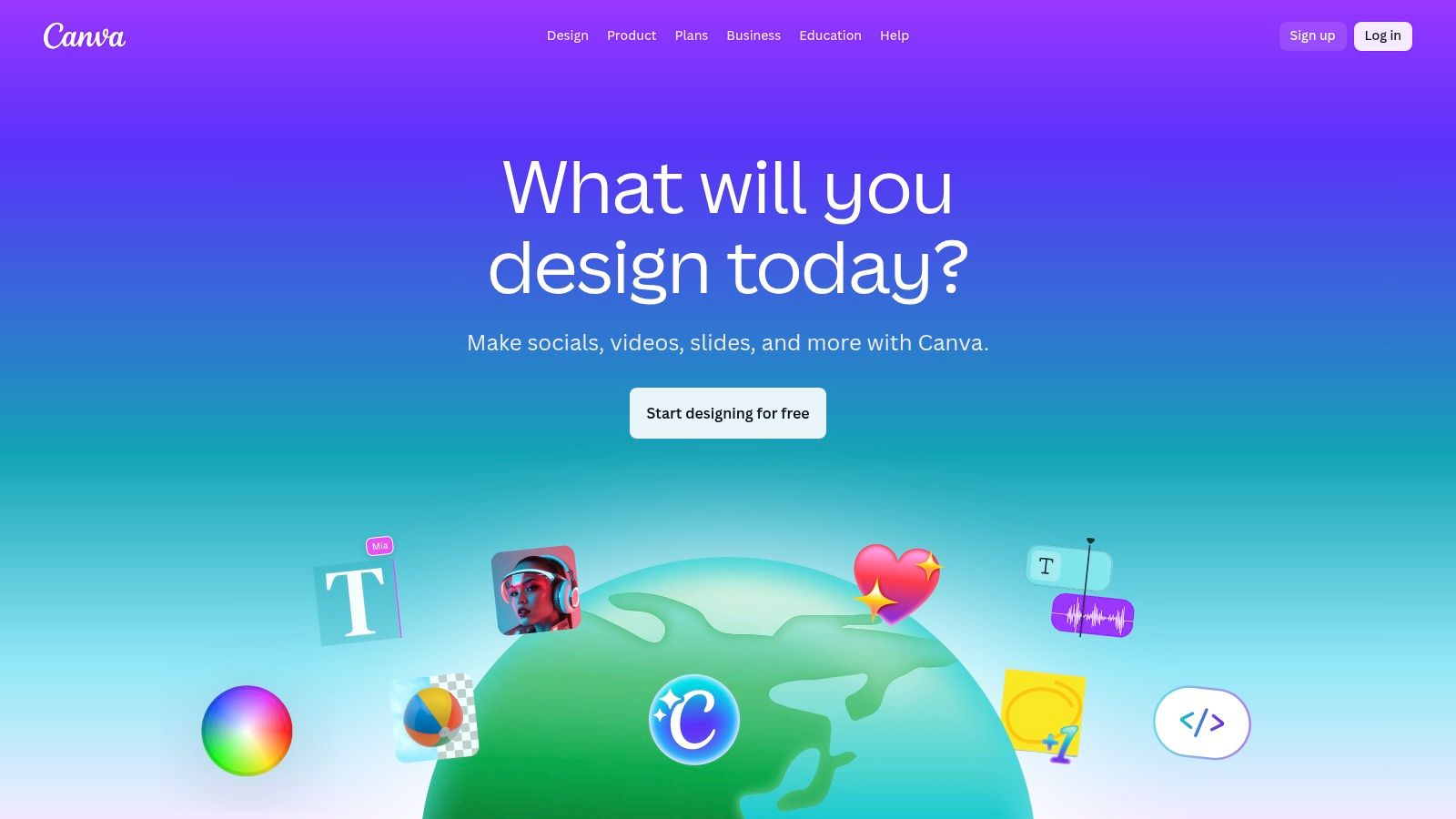
This accessibility makes it perfect for quickly generating B-roll for a property tour, creating an eye-catching background for a social media story, or storyboarding an ad concept. You generate a clip and can immediately add text, branding, and music using Canva’s familiar drag-and-drop interface, drastically speeding up content creation.
Key Features and Workflow
The workflow is incredibly straightforward. You type a prompt, generate a short clip, and it automatically opens in the editor. From there, you can leverage Canva’s full suite of tools, including AI avatars, background removal, and a massive library of templates and assets. This creates a powerful, all-in-one environment for producing polished marketing videos without needing specialized software.
| Feature | Description |
|---|---|
| Integrated Video Editor | AI-generated clips open directly in the Canva Video Editor for immediate customization. |
| Vast Asset Library | Access to Canva’s extensive collection of templates, stock footage, and audio. |
| Brand Kit Integration | Easily apply brand logos, colors, and fonts to ensure marketing consistency. |
| Team Collaboration | Built-in features for team permissions, comments, and collaborative editing. |
Who Is It Best For?
Canva is ideal for real estate professionals and marketing teams who need a quick, easy way to create social media content, short-form ads, and conceptual clips. If your team is already invested in the Canva ecosystem, this feature is a natural and powerful extension. It's not for users seeking long-form, cinematic video generation, but for producing branded social content at scale, it is an incredibly efficient solution. Many core AI features require a Canva Pro or Teams subscription.
- Pros: Extremely accessible for non-experts, seamless integration with existing Canva workflows.
- Cons: Focuses on short clips, not long-form video; key features require a paid plan.
Website: https://www.canva.com
Top 12 AI Video Generators — Feature Comparison
| Product | Core features ✨ | Quality & Speed ★ | Target audience 👥 | Pricing / Value 💰 | USP |
|---|---|---|---|---|---|
| 🏆 AgentPulse | 3D‑aware photo→video, parallax/dolly/reveal, multi‑aspect, royalty‑free music ✨ | ★★★★☆ — HD exports; renders in 2–5 min | 👥 Agents, photographers, property managers, small marketing teams | 💰 Free / $49 / $99 — credit tiers; watermark on Free | Purpose-built real‑estate listing videos — fast, brand‑consistent, no editors/on‑site shoots |
| Runway | Gen‑4 & Turbo text/image→video, keyframing, upscaling ✨ | ★★★★★ — top generative quality for short clips | 👥 Creators, agencies, VFX & ad teams | 💰 Credit-based; pay per generation | State‑of‑the‑art generative models + advanced editing tools |
| Pika | Text→video & image→video, effects packs, community styles ✨ | ★★★★☆ — very fast for short social clips | 👥 Social creators, trend‑driven editors | 💰 Credit-based; rapid iterations | Fast trend styles and community effect packs |
| Luma AI (Dream Machine) | Multiple Ray models, HDR up‑res, physics‑aware motion ✨ | ★★★★☆ — high motion realism; ~10s clips | 👥 Product/scene visualization, concept artists | 💰 Credit/tiers; paid tiers remove watermarks | Realistic motion & physics-aware video + 4K up‑res |
| Synthesia | 100+ AI avatars, multi‑language dubbing, brand controls ✨ | ★★★★☆ — enterprise‑grade output | 👥 Enterprises, L&D, training & localization teams | 💰 Enterprise / credits; seat pricing | Scalable avatar videos with centralized brand & compliance |
| HeyGen | 500+ stock/custom avatars, script→video, lip‑sync ✨ | ★★★☆☆ — easy presenter videos | 👥 Marketers, training teams, SMBs | 💰 Seat-based plans; free testing (watermark on free) | Quick presenter/localized explainers with custom avatars |
| Descript | Text‑based editing, Studio Sound, generative tools ✨ | ★★★★☆ — excellent polishing & localization | 👥 Podcasters, editors, teams | 💰 Subscription tiers; media minutes & AI credits | Text-first editing + collaboration and strong dubbing tools |
| InVideo | Template library, voiceover, stock assets, model integrations ✨ | ★★★☆☆ — template-driven, fast social posts | 👥 Social marketers, small teams, agencies | 💰 Subscription + quotas for minutes/credits | Template workflows with stock assets for quick ads |
| VEED | Browser editor: TTS, avatars, captions, translation ✨ | ★★★☆☆ — approachable UI for quick publishing | 👥 Non-editors, social teams, educators | 💰 Freemium + credit add-ons | All‑in‑one editor for repurposing & localized publishing |
| Kapwing | AI video gen, auto-subtitles, Kai assistant, multi-ratio ✨ | ★★★★☆ — fast collaborative workflows | 👥 Social teams, creators, educators | 💰 Freemium; paid for Pro & credits | Collaborative cloud editor with reusable AI assistants |
| Canva (Magic Media) | Text→video clips into Canva editor, avatars, brand kit ✨ | ★★★☆☆ — very accessible for short clips | 👥 Design teams, small businesses, social creators | 💰 Freemium; many AI features on paid tiers | Integrated with Canva design & brand workflows for quick social clips |
Your Next Step in Video Creation Starts Now
We've journeyed through a dynamic landscape of the best AI video generators, each offering a unique set of tools to transform your ideas into compelling visual stories. The days of needing a professional film crew, expensive software, and weeks of editing to produce a high-quality video are officially behind us. The power to create is now directly in your hands, driven by intelligent and intuitive technology.
From the cinematic potential of Runway and Pika to the polished, avatar-driven presentations of Synthesia and HeyGen, the diversity of these platforms is their greatest strength. The key takeaway is that there is no single "best" tool for everyone. The right choice depends entirely on your specific goals, your technical comfort level, and the audience you want to reach.
How to Choose the Right AI Video Generator for You
Making a decision can feel overwhelming with so many great options. To simplify the process, focus on your primary objective. Ask yourself a few critical questions to narrow down the field:
- What is my main use case? Are you a real estate agent trying to create a stunning property tour from photos? A content creator exploring artistic video shorts? Or a business professional needing to produce consistent training modules? Your purpose will immediately point you toward either a specialized tool or a general-purpose creator.
- What is my starting material? Do you have a library of high-quality photos and video clips, or are you starting from scratch with just a text prompt? Platforms like AgentPulse excel at transforming existing assets, while tools like Luma AI's Dream Machine and Runway are built for text-to-video creation.
- How important is realism? For real estate marketing, photorealism is non-negotiable. For social media content or conceptual ads, a more stylized or artistic output might be perfectly acceptable, or even preferred.
- What is my budget and time commitment? Evaluate the pricing structures. Some offer pay-per-video models, while others have monthly subscriptions. More importantly, consider the learning curve. A tool with a simple, guided workflow will save you countless hours compared to a platform with endless, complex features you may never use.
Final Thoughts on Embracing AI Video
The most important step you can take after reading this guide is to start experimenting. Nearly every tool on this list offers a free trial or a freemium plan. There is no substitute for hands-on experience. Sign up for two or three platforms that seem like the best fit and try creating the same simple video on each one. See which interface feels the most intuitive and which one delivers results that align with your vision.
Don't be afraid to combine tools. You might use Descript to clean up your audio and generate a transcript, then feed that into HeyGen to create an avatar-led video, and finally use Kapwing for quick captions and resizing. The modern creator's toolkit is modular.
Ultimately, the rise of the best AI video generators represents a massive opportunity. It levels the playing field, allowing individuals and small businesses to compete with large corporations on video marketing. By embracing these tools, you can save time, reduce costs, and produce more content than ever before, connecting with your audience in the most engaging medium available today. Your next viral video or client-winning property tour is just a few clicks away.
Ready to create stunning real estate videos in minutes, not days? If you're a real estate professional, AgentPulse is the specialized tool designed specifically for your workflow, turning your property photos into engaging video tours effortlessly. Stop wrestling with general-purpose editors and start generating more leads with video built for real estate by visiting AgentPulse today.